
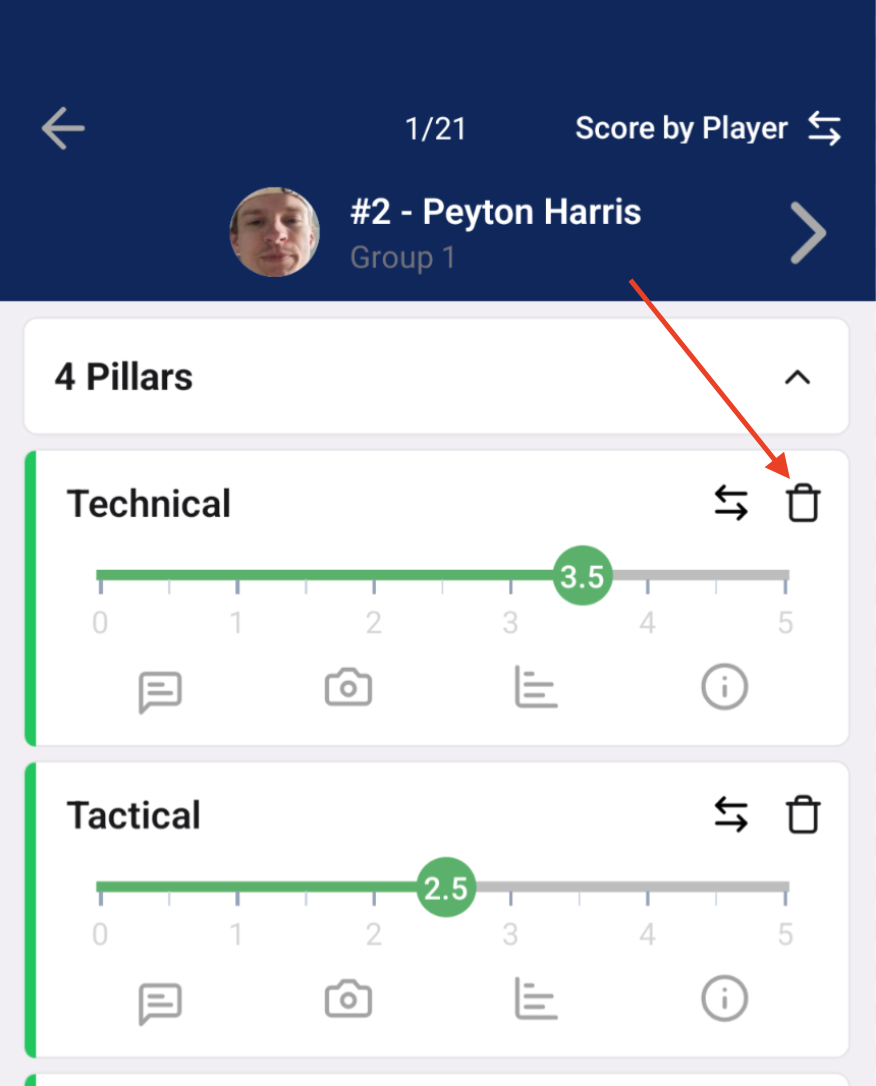
If you need to delete a score you've already recorded, you can do so by clicking the "trash can" icon to the right of the criteria name.
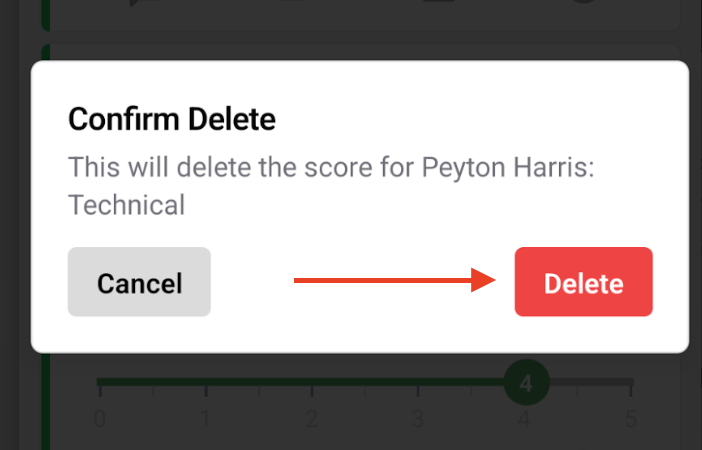
You'll see a pop up window that asks you to confirm you wish to delete the score. By clicking the red Delete button, you are removing the score from the system.
The score will then reset to an unscored value and the green vertical line to the left of the criteria name will be grey.
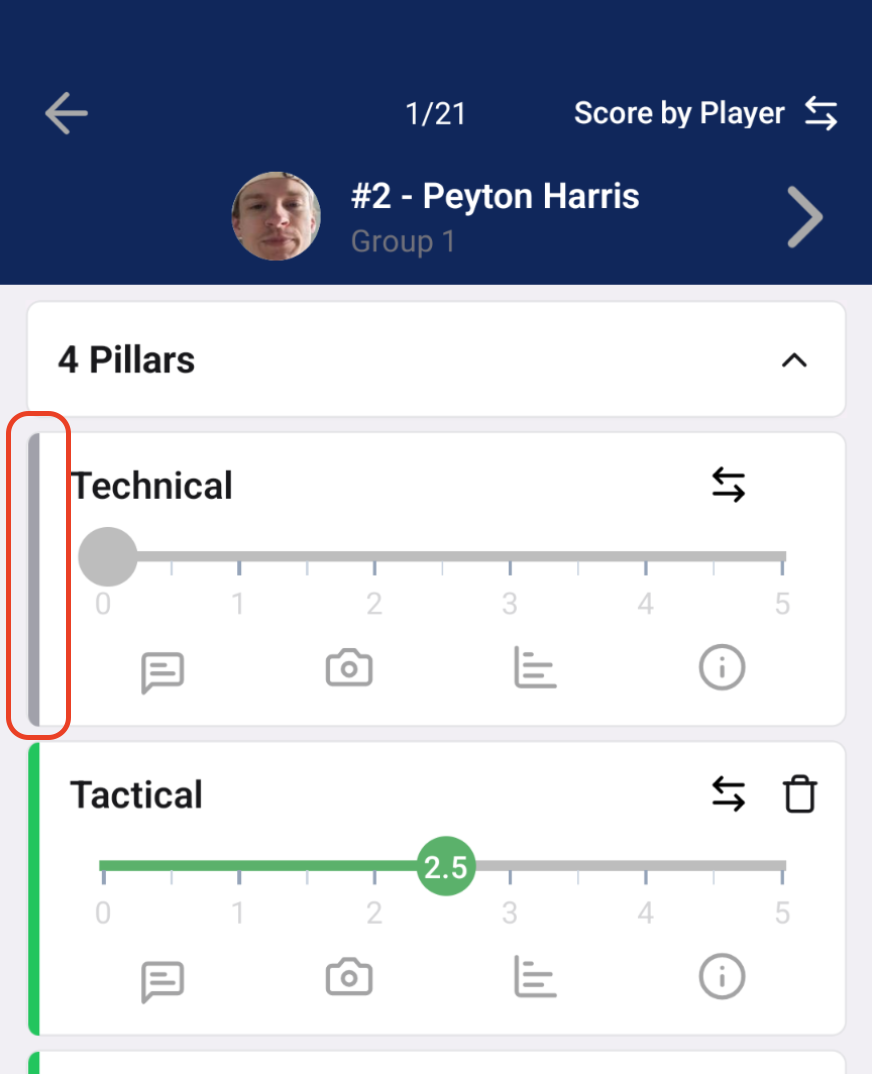
*Note - Deleting a score is not the same as resetting the score to zero (0) on the slider scale. A zero is a legitimate score in the system. If you do not need to score the athlete for the criteria, you will want to delete the score per the steps above so they are not negatively affected in the overall ratings.