First, you need to check your ADVANCED SETTINGS before we get started...
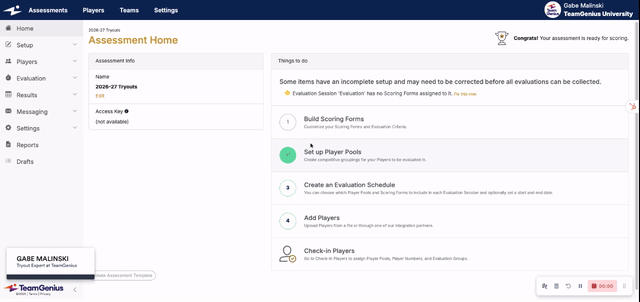
We also need to set your USER PERMISSIONS to ensure everyone has proper access.
Note: this is for check-in staff, age group coordinators or other admins who shouldn't see everything! System admins (have access to everything) are invited under Settings < Invite New Users and evaluators simply use an access key to get into the system.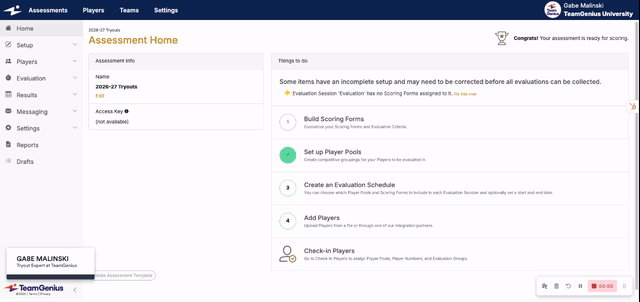
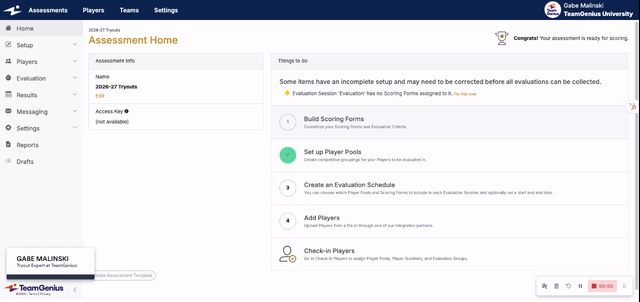
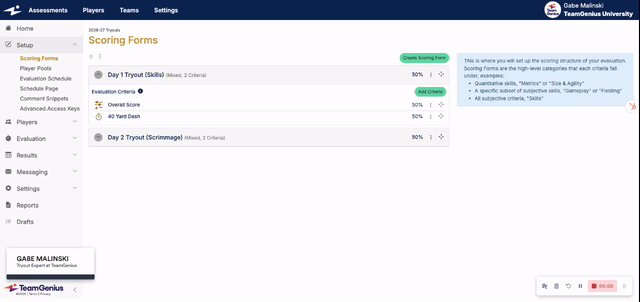
FINALLY...let's get started by building your SCORING FORMS AND CRITERIA.
This can take some time but it is extremely important to note all the different ways to setup a scoring form and criteria. As long as you know what you want to score your players on, how much each criteria should weight into their overall scores, and what your scoring scales are, your account manager will help with this during your onboarding call.
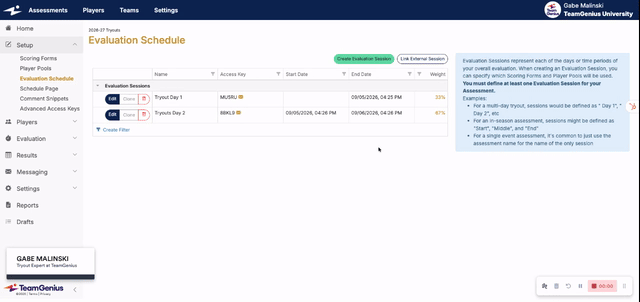
Now we'll get to your EVALUATION SCHEDULE.
Some organizations only create one session (called Tryouts) for simplicity.
Others score different sets of criteria (called scoring forms) on each tryout day, or need to see how players did on Day 1 vs. Day 2, so will have multiple sessions(called Day 1, Day 2, Day 3 etc.).
Others yet score different age groups on different sets of criteria, so need to create a different session for each age group AND each day (U12 Day 1, U12 Day 2, U14 Day 1, U14 Day 2 etc).
We cover this heavily during onboarding sessions, but the video below walks through those scenarios as well.
TeamGenius has heard all the stories the past 10 years, so has added some LESS UTILIZED FEATURES (schedule page + comment snippets + advanced access keys) that you may or may not use, but are good to know about. Hockey folks love the advanced access keys feature...