Welcome to TeamGenius University! Watch the following videos (in order) for a full walkthrough to get the most out of your TeamGenius subscription or trial! 


Step 1: Account Setup


Let's get started! Watch the video below for a quick introduction!

Welcome to TeamGenius!                   
Welcome to TeamGenius! 

If you've used TeamGenius before, check out Start a New Season in TeamGenius: The 4-Step Checklist article, then come back and skip to the next video!


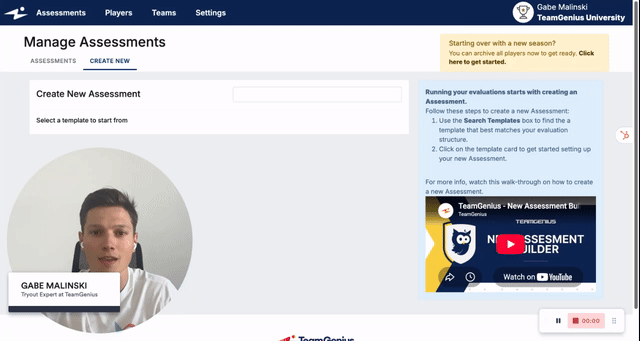
If this is your first time using TeamGenius, watch the video below to create your first assessment! 

Create Your First Ever Assessment (or start from scratch)

Some quick house keeping and getting to know your TeamGenius account.A Quick Glance Around TeamGenius                   


Next Steps: 

Step 2: Registration Setup (optional)

Step 3: Assessment Setup (pre-tryouts)

Step 4: Adding Players (pre-tryouts)

How to Run Player Check-In within TeamGenius

How to Evaluate Players in TeamGenius (coming soon)

How to Shuffle Groups After Tryout Sessions (coming soon)

How to Form Teams (coming soon)

How to Run a Draft (coming soon)

How to Email Teams (coming soon)

How to Send Offers (coming soon)

How to Setup In-Season Evaluations (coming soon)

Start a New Season in TeamGenius: The 4-Step Checklist


Previous Steps: 

Start a New Season in TeamGenius: The 4-Step Checklist