
If you already have a registration system, skip to Step 3.
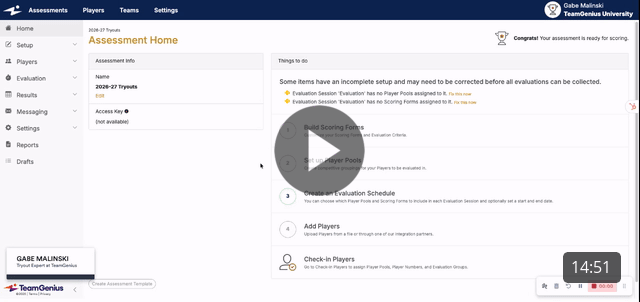
If you're interested in exploring and/or setting up registration within TeamGenius to save time, watch the video below:
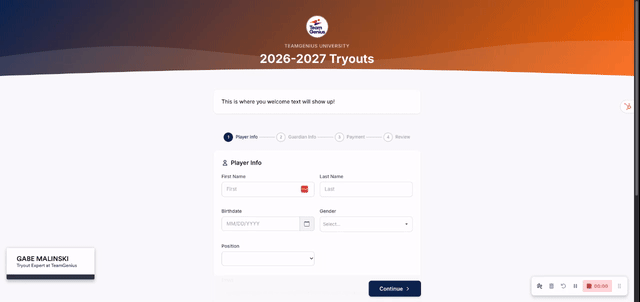
Bonus: Here's what registration would look for your players if using TeamGenius Registration
Next Steps:
Step 3: Assessment Setup (pre-tryouts)
Step 4: Adding Players (pre-tryouts)
How to Run Player Check-In within TeamGenius
How to Evaluate Players in TeamGenius (coming soon)
How to Shuffle Groups After Tryout Sessions (coming soon)
How to Form Teams (coming soon)
How to Run a Draft (coming soon)
How to Email Teams (coming soon)
How to Send Offers (coming soon)
How to Setup In-Season Evaluations (coming soon)
Start a New Season in TeamGenius: The 4-Step Checklist
Previous Steps: