
Let's add your players into TeamGenius! If you use TeamGenius for registration, you can likely skip this step.
IMPORTANT NOTE! You can import players as many times as you would like to.
Import now if you have some players registered. Import again next week when more players have registered. AND import after registration closes or 10 minutes before tryouts start.
Our system is smart enough (as long as you always import first name, last name and birthdate) to recognize players who have already been imported. When you import again, it will only add new players and update any new or updated fields for players who already exist within that import.
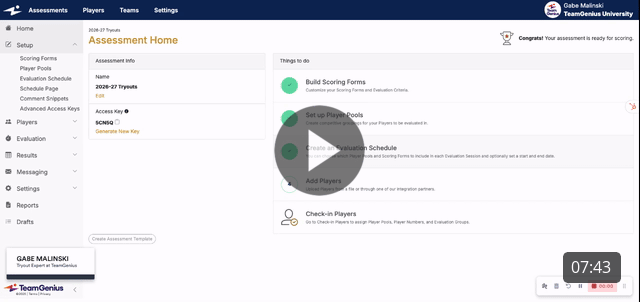
This note is so important that we're adding it AGAIN! You can import players as many times as you would like to. Import now if you have some players registered. Import again next week when more players have registered. AND import after registration closes or 10 minutes before tryouts start.
Our system is smart enough (as long as you always import first name, last name and birthdate) to recognize players who have already been imported. When you import again, it will only add new players and update any new or updated fields for players who already exist within that import.
Next Steps:
How to Run Player Check-In within TeamGenius (send this to your check-in team)
How to Evaluate Players in TeamGenius (coming soon)
How to Shuffle Groups After Tryout Sessions (coming soon)
How to Form Teams (coming soon)
How to Run a Draft (coming soon)
How to Email Teams (coming soon)
How to Send Offers (coming soon)
How to Setup In-Season Evaluations (coming soon)
Start a New Season in TeamGenius: The 4-Step Checklist
Previous Steps:
Start a New Season in TeamGenius: The 4-Step Checklist